




1. Help everyone know what’s next
Add each person’s name and photo, then bring in the plans you already have, from school and appointments to visits and activities. Give everyone one place to see what’s happening today and what’s coming up.
Tip:
Start with this week. You don’t need to add everything at once.
2. Make daily routines easier to follow
Use Tasks or Habit Tracker to break morning routines, homework, and chores into simple steps kids can check off as they go. Add emojis to help kids who aren’t reading yet follow along, too.
Tip:
Start with two or three tasks. For age-appropriate ideas, explore our chores-by-age guide, featuring advice from Emily Oster.

3. Let everyone know what’s for dinner
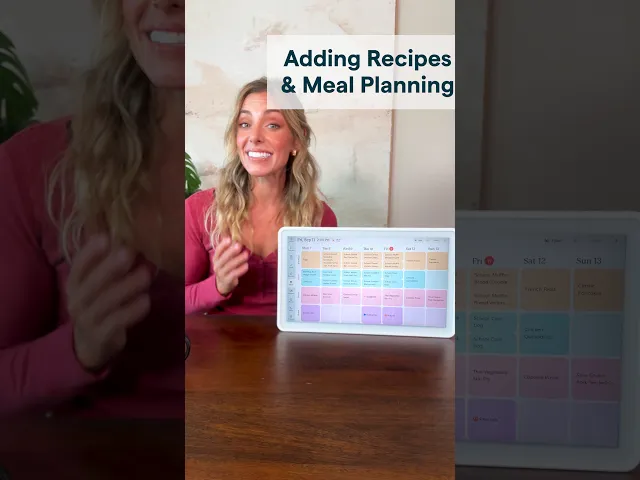
Add meals to your Calendar so everyone can see what’s on the menu without having to ask. Start with the dinners you already have planned and fill in the rest as you go.
Tip:
Keep it simple. “Pasta” or “leftovers” is enough to get started.